
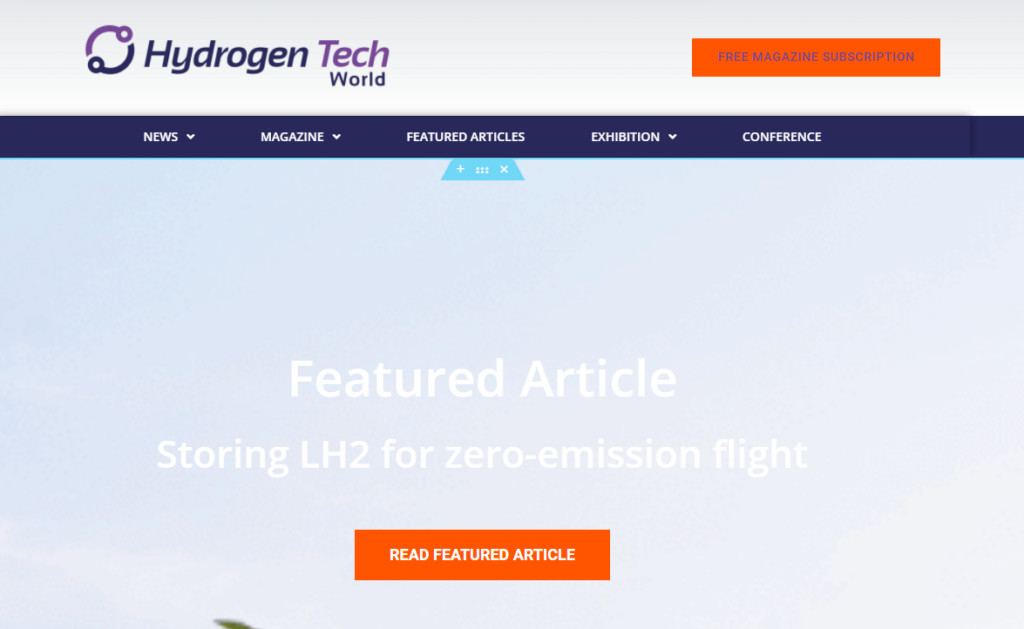
If you have a section on the homepage with a big photo and link to a Featured Story, you need to manually update this section to show a new Featured Story.
Please note ths is only for posts/pages built with the Elementor pagebuilder. See here a list of all sites that use Elementor.
1. Login to the website
2. Edit the homepage in Elementor
3. Go to the section where the large image is displayed on the right
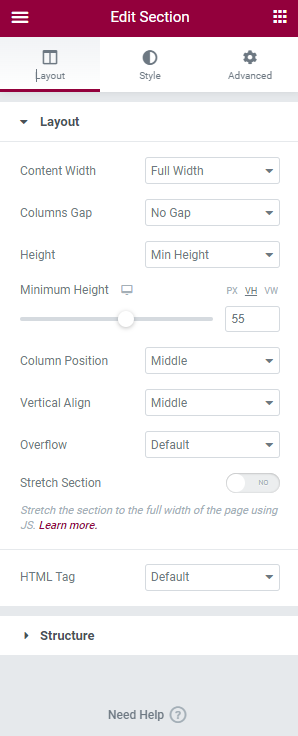
4. Click the Edit Section icon
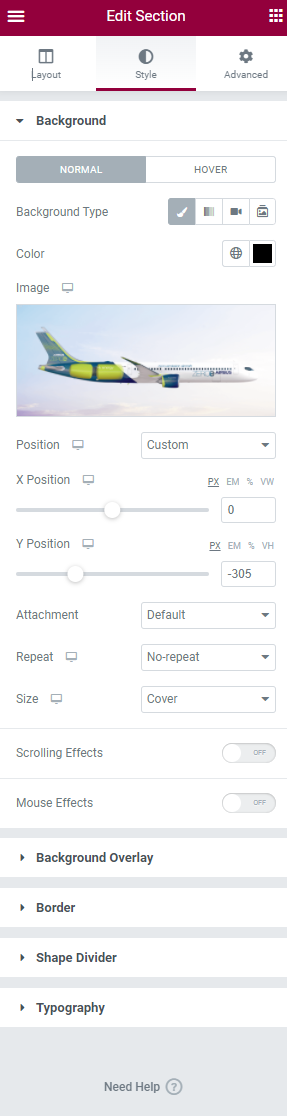
4. Click on Style in the middle in the Section Widget
5. Click the Image and upload the new Featured Image for the Featured Article
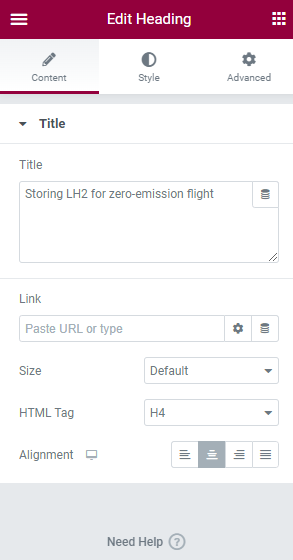
6. Click on the Heading on the right
7. Click in the Heading Widget on the left and change the Title
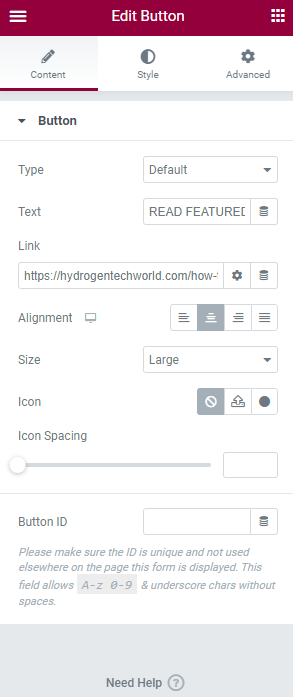
8. Click the button on the right
9. Change the link to the Featured Story in the Button Widget on the left
10. Save the homepage
11. Reload the homepage and check your changes


