This article is for Administrators that need to add a form on a website.
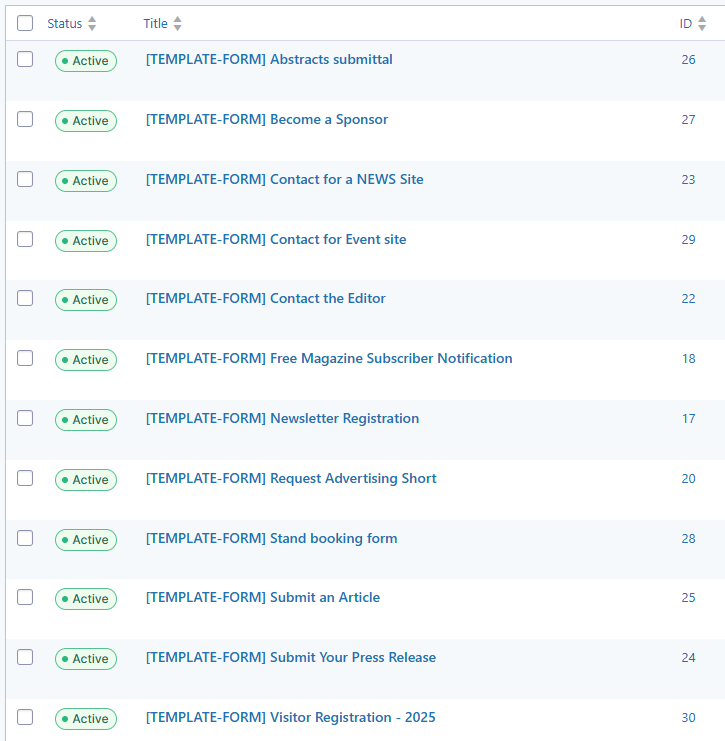
On kci-support.com (this site) there are 12 template forms defined for news and event sites. All these forms start with [TEMPLATE-FORM]. When a form is needed on a news website or event website follow the following steps:
- export the required [TEMPLATE-FORM] from kci-support.com
- import the generated JSON file from step 1 in the target site
- adjust the confirmation page
- adjust the notification email address(es)
- test the form
- setup the connection to Zoho CRM with Zoho Flow, if needed
When a form changes (for example when a new field is added) or when a new form is introduced make sure it’s changed on kci-support.com.